Content: Text, Tables, Images, Video, Forms, and Scripts
This section describes how to fill your site with content and enhance it with useful functions provided by the editor's modules.
When adding a module to a page, you can choose whether it should be shown only on the current page (page-specific module) or on all pages of the site (site-wide module). The only exceptions are the Search, Advertisement, Site Logo, Navigation, and Breadcrumbs modules: when you add them, they are placed on all pages of the website.
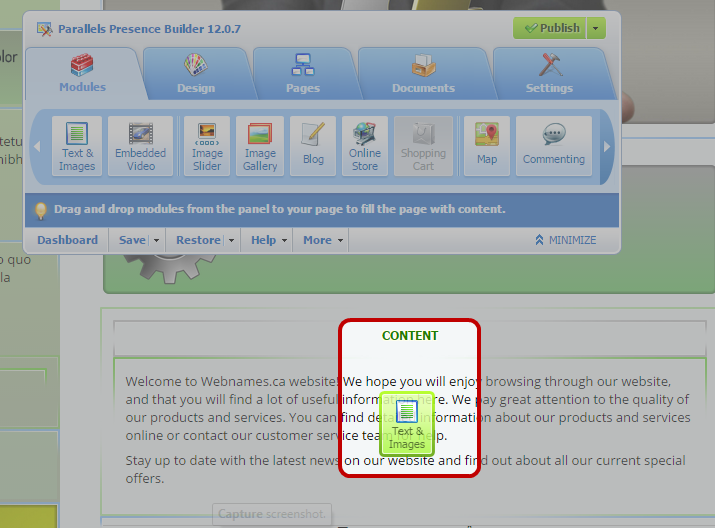
- To place a module only on the current page, select the module under the Modules tab, and drag it to any of the areas marked with the text CONTENT. Such areas are located within the main content block and near the top of each sidebar.
-
To divide the content area into columns and insert a module into one of them, drag the module to the left or right edge of the content area and then insert it. Note that sidebar areas cannot be divided into columns.
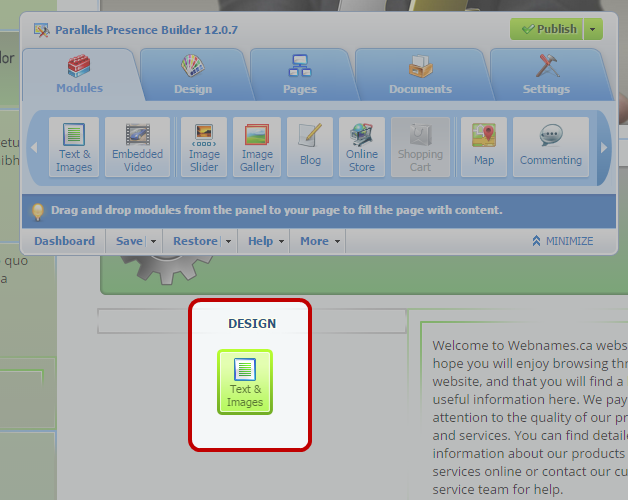
- To place a module on all pages of the website, select the module under the Modules tab, and drag it to any of the areas marked with the text DESIGN. Such areas are located above and below the main content block, in sidebars, header, and footer.