Contact Form
If you want your site visitors to be able to send you messages from your site, you can add a contact form.
To add a contact form:
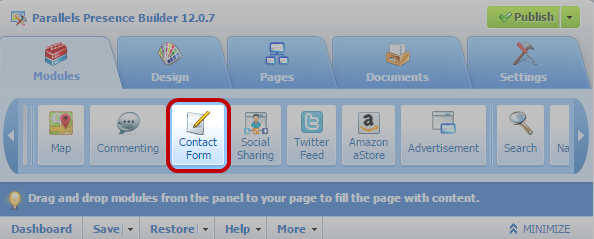
- Go to the Modules tab, select Contact Form, (found on the 2nd page of modules to the right) and drag the module to the page.
- On the Settings tab, specify the following:
- Recipient's e-mail address. You can specify only one e-mail address.
- Message subject.
- Text to be shown on the button that sends the message.
- If you want to add, move, or remove input fields from the form, or change their labels, click the Fields tab, and make the required changes.
- If you want to change the default message "Your message was sent. Thank you." which is shown when a message is sent, click the Reply tab and type the new text.
- Click OK.
To remove a contact form:
Place the mouse pointer over the form and click Remove.